Working with audio files is definitely no joke, and plenty of people end up spending quite a few bucks on a proper audio editing program. It all depends on what you need from the software.
For beginners and quick edits
If you are looking to become the next great indie music producer, you will definitely have to look for a more serious tool. On the other hand, if you need to quickly edit a couple of audio files, Audacity will probably satisfy your needs.Free and widely popular
Audacity is a completely free, open-source audio editor and it has been around for years. It's safe to say it's the most popular tool for the job. It's great for people who want to start their podcast or for anyone who wants to mix or record music on an amateur scale.Recording and editing audio
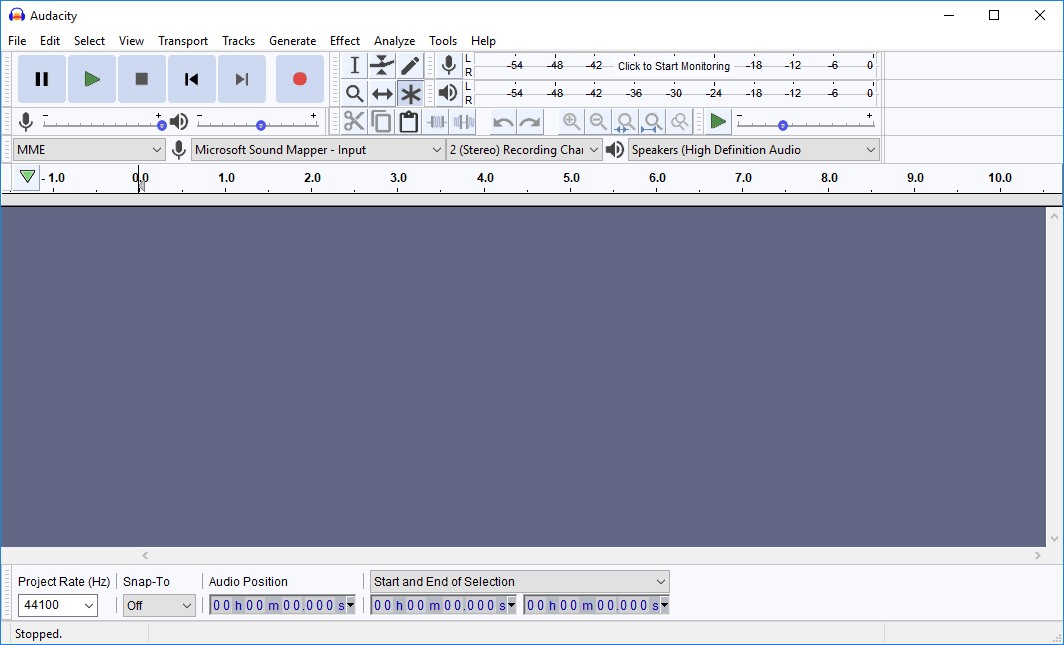
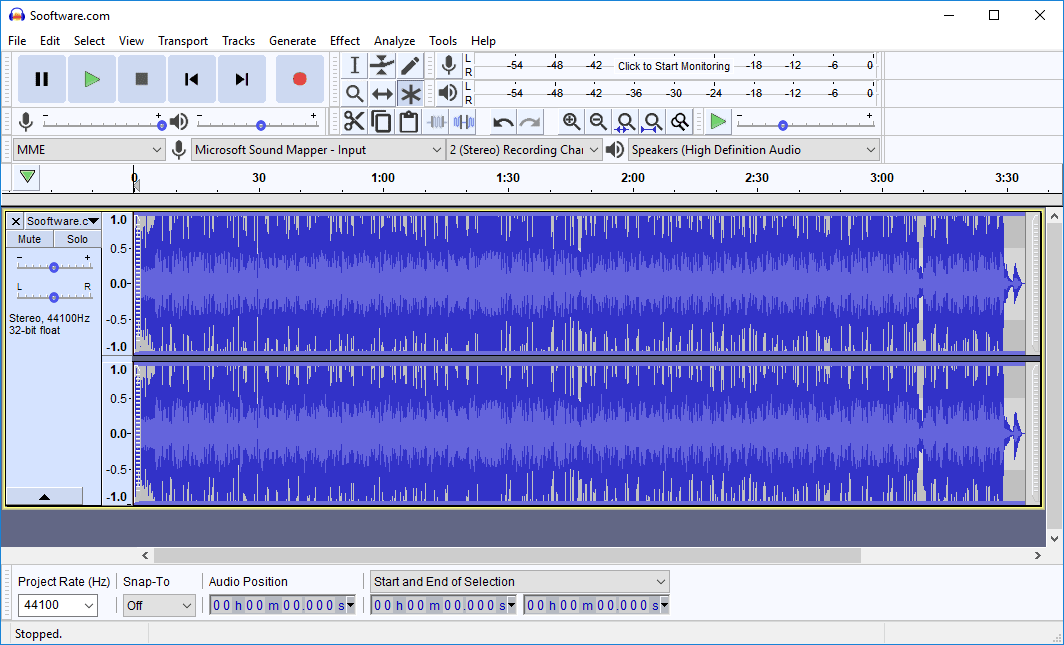
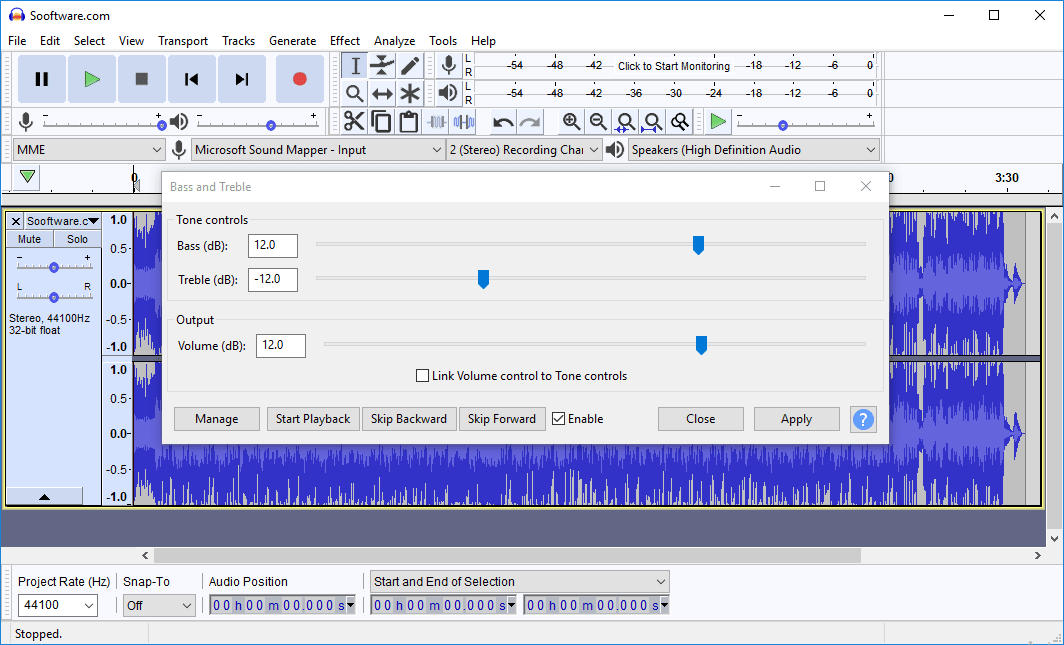
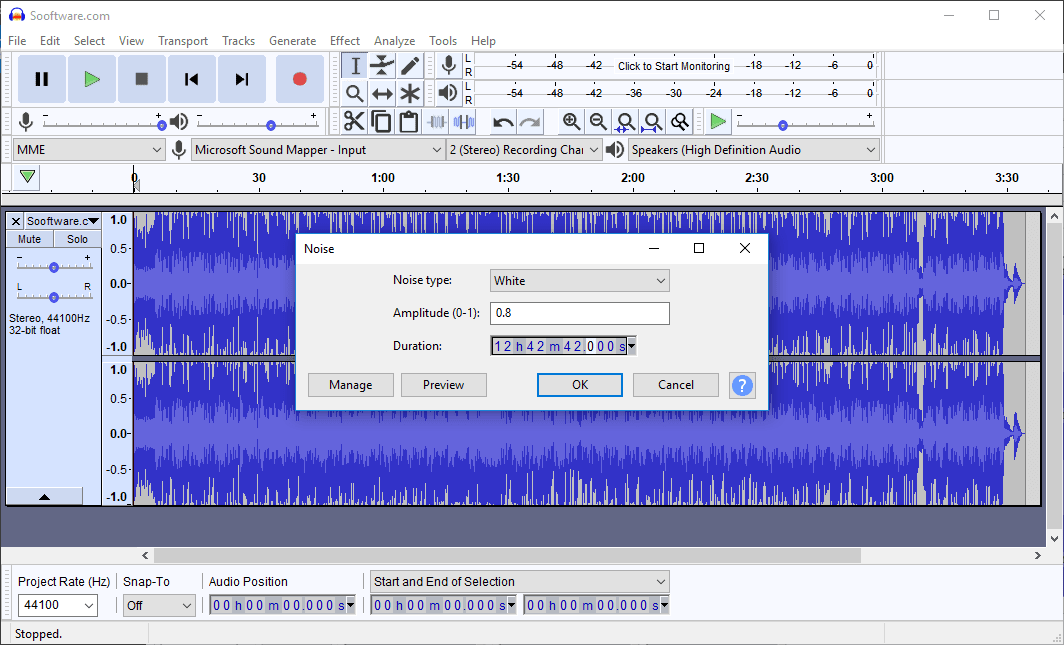
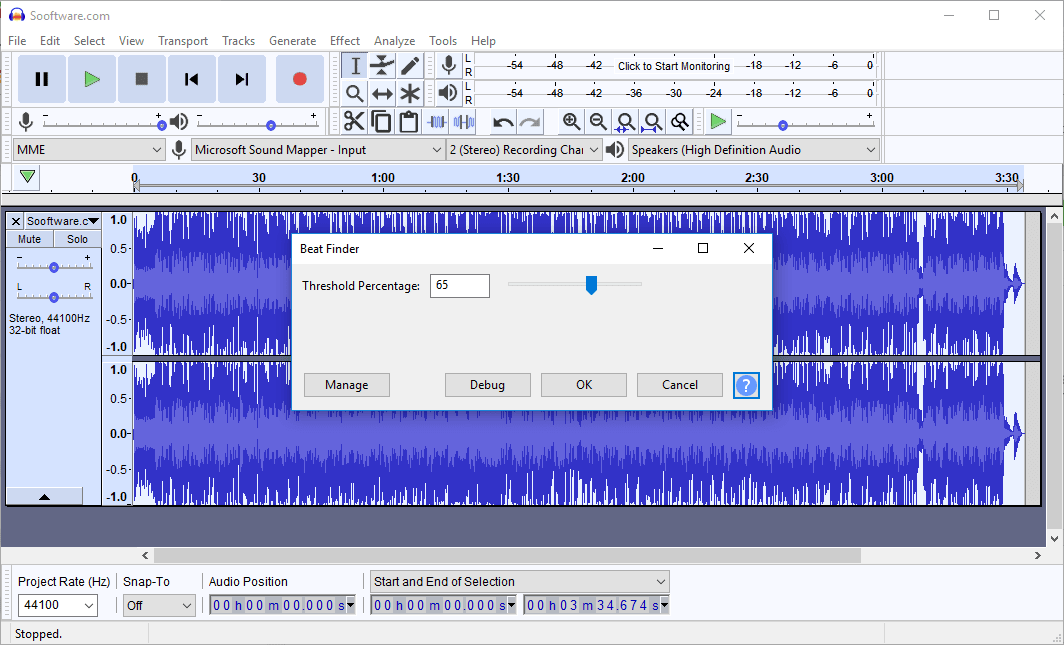
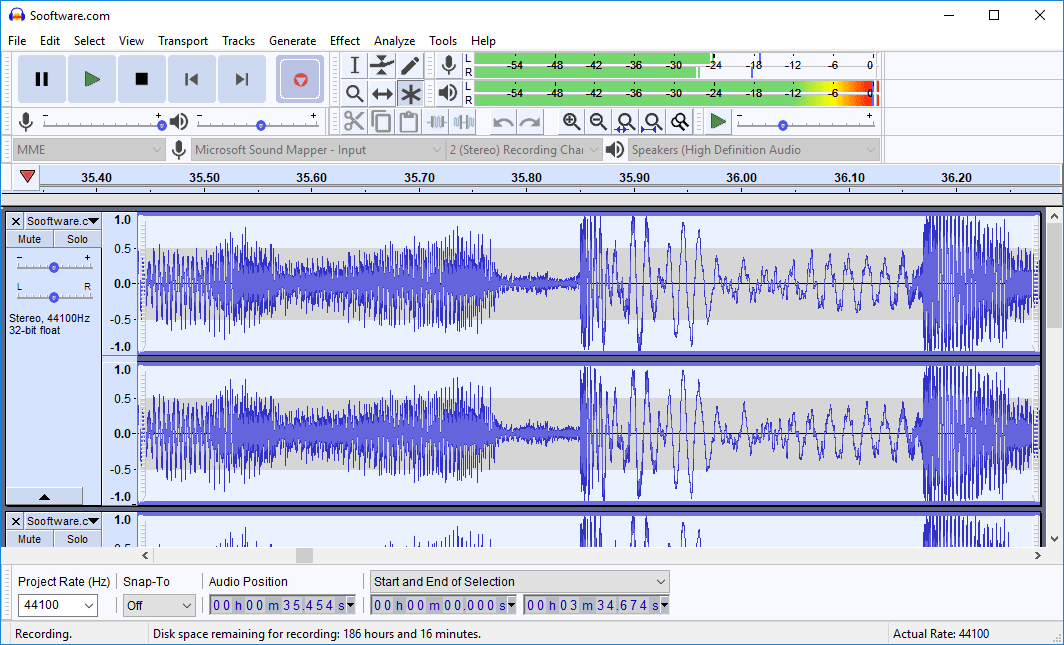
Starting a recording is easy, and so is importing an audio track. The top menu provides helpful descriptions for anything you want to do with the file. It is worth mentioning that Audacity now operates with a hybrid workflow. While traditional actions like highlighting and deleting remain destructive, modern updates have introduced non-destructive clip trimming and real-time effects for greater flexibility.Broad compatibility
Audacity is available for all major operating systems such as Windows, macOS, and Linux. Its user interface is not flashy, but that is one of the reasons it can run on virtually any setup. Still, for a free editor, it's the number one tool for people who need to edit audio files on a daily basis without requiring professional features, such as vloggers and podcast owners.