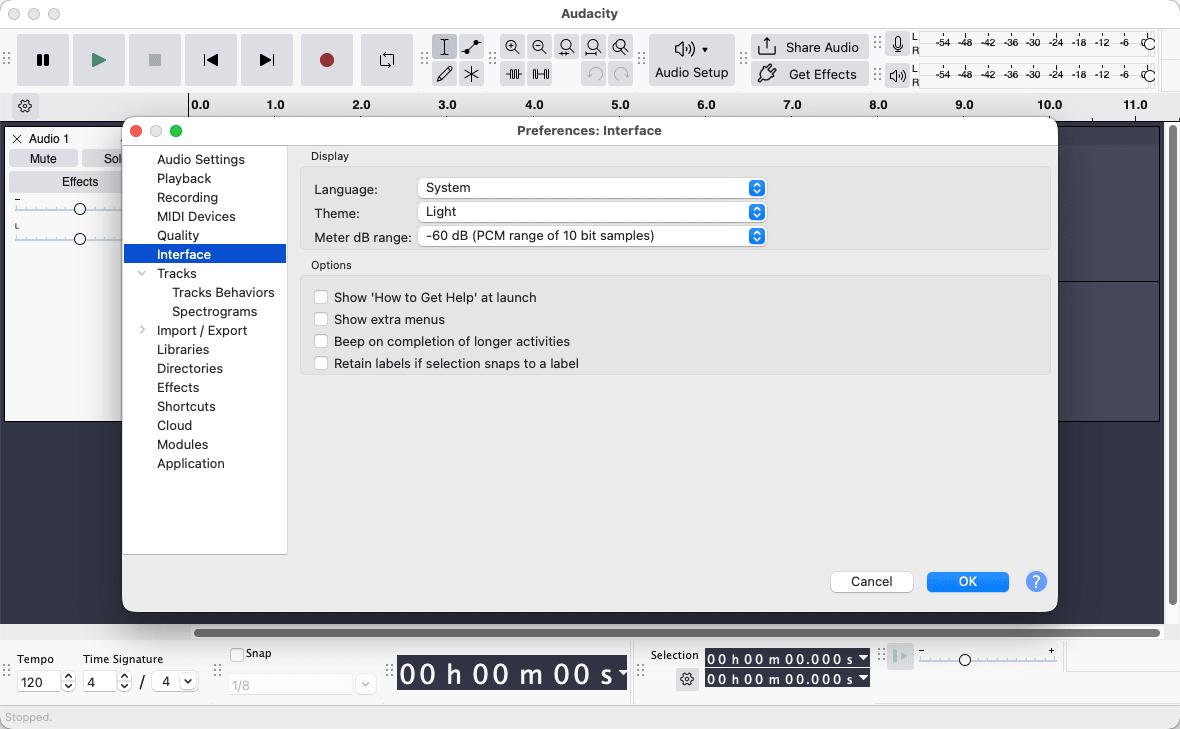
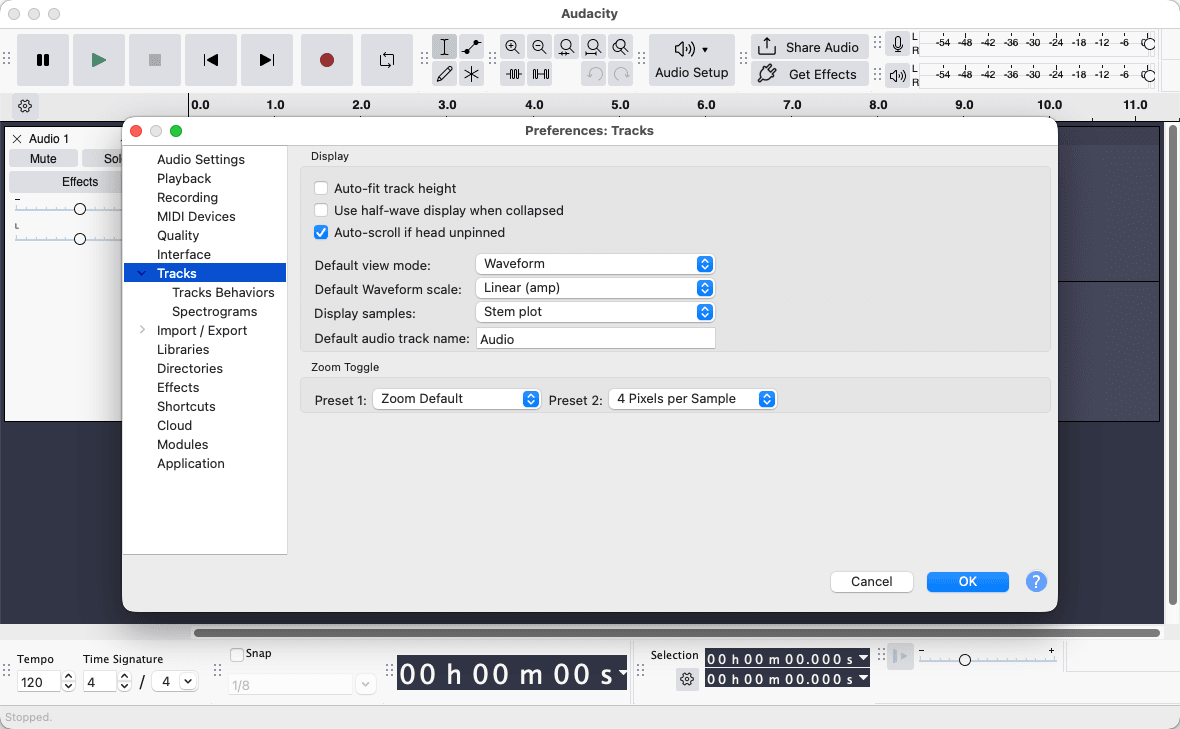
Audacity is a completely free, open-source audio editor, recorder, and manager. It has been one of the most popular audio editing options since its release in 2000. The software boasts a massive user base that spans musicians, podcasters, educators, hobbyists, and content creators, largely owing to its ease of use.
For users needing a reliable, no-cost tool for recording and editing audio and vocals, Audacity on Mac is an excellent choice. The Mac version delivers the same core experience with straightforward multitrack editing, a vast range of effects, and great support for various file formats.
Recording and multitrack editing
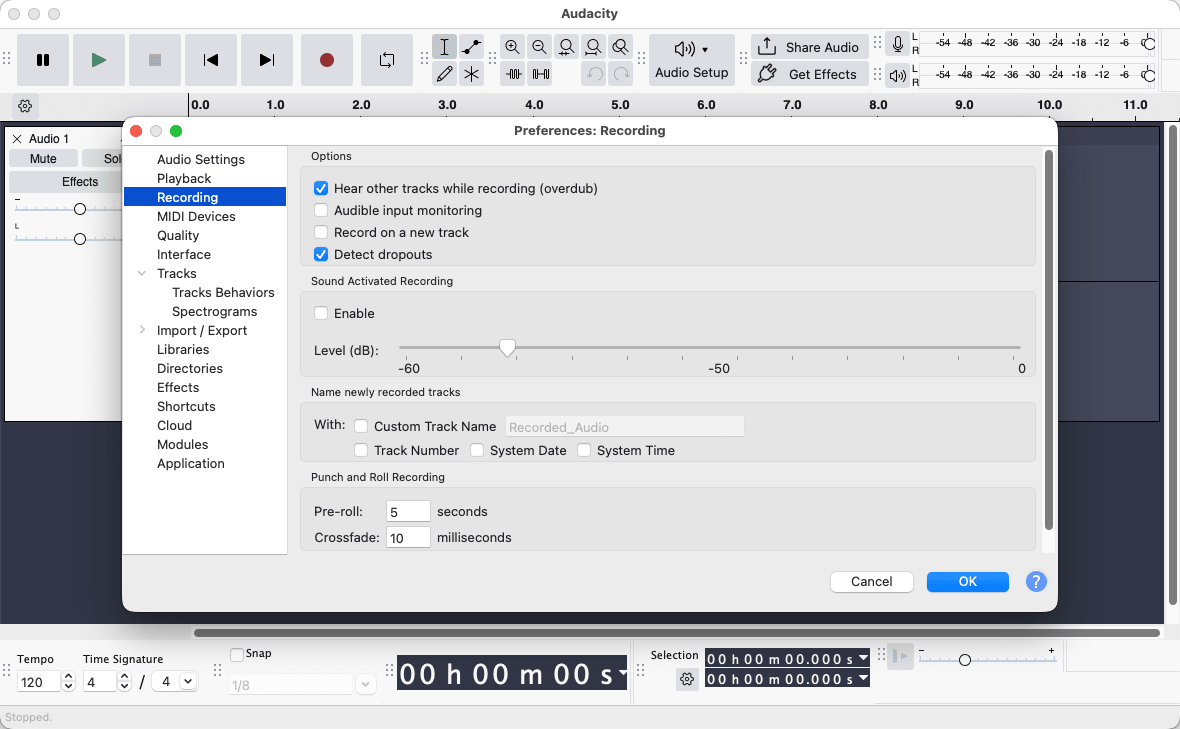
While many people often see Audacity as merely an audio editing application, its recording capabilities are impressive. It provides high-quality audio capture, whether using the Mac’s built-in microphone or a dedicated external audio interface. For podcasters and digital creators, the straightforward recording experience is highly practical.
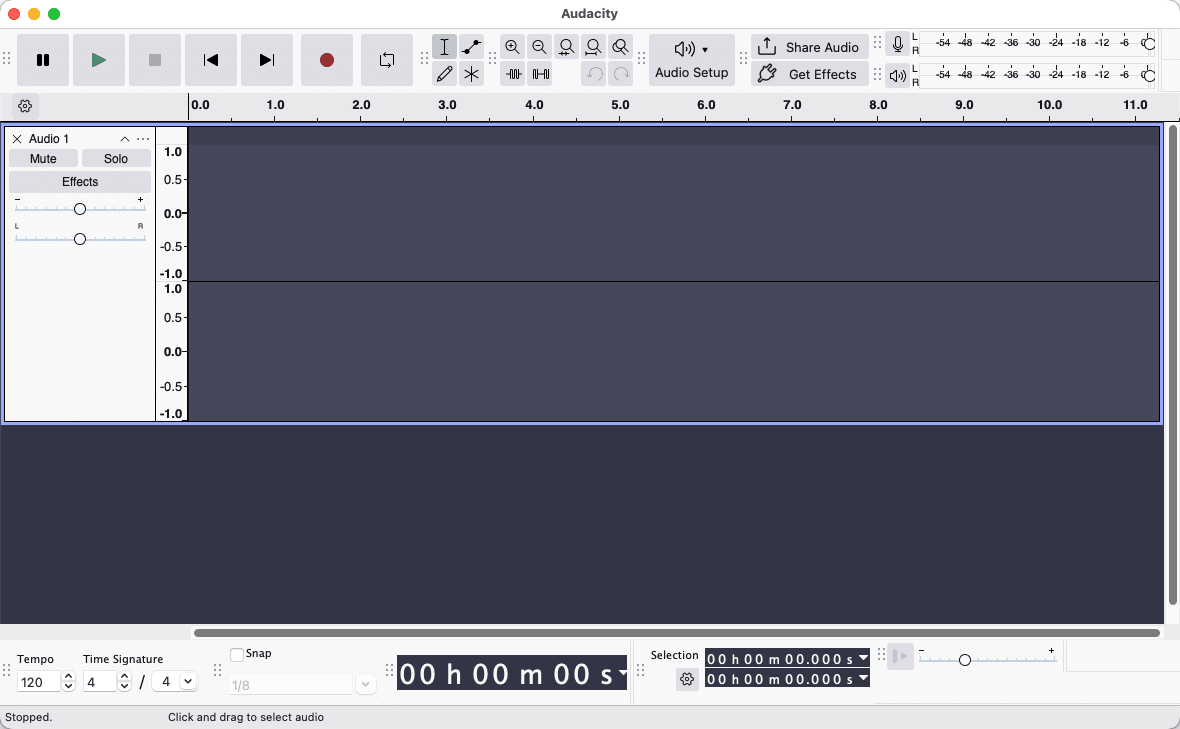
Audacity truly excels in multitrack editing. The multitrack editor allows users to work with multiple audio tracks at the same time, with each track having its own volume, pan, and mute controls. You can edit through a familiar waveform view where you can cut, copy, paste, trim, and rearrange any clips with accuracy.
If your content is straightforward and does not require an entire digital audio workstation, this will work perfectly, as it covers all the essentials reliably.Effects, filters, and noise reduction
One of the main strengths of Audacity is its built-in effects library. The application includes a complete collection of tools, including equalization, compression, normalization, reverb, tempo adjustment, and more. Some of these are incredibly useful when you need to make vocal adjustments for podcast-related audio.
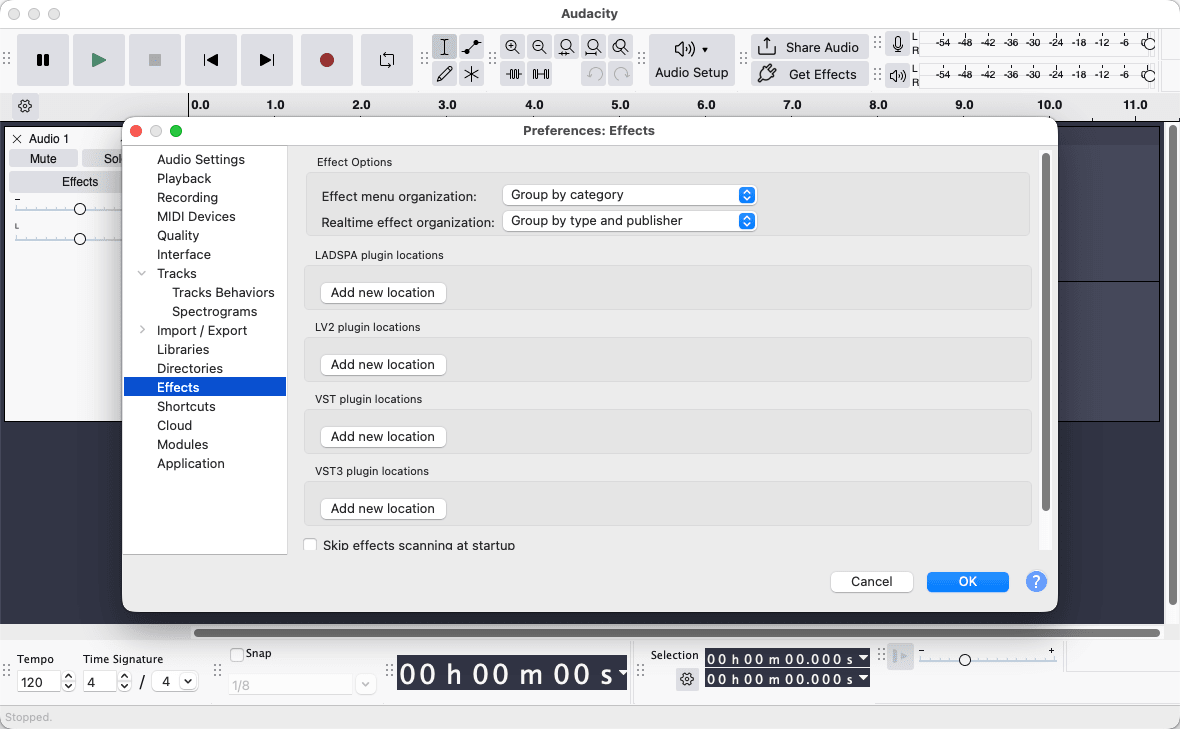
Audacity also features highly functional noise reduction tools that you can adjust in strength. It supports VST, VST3, AU, and LV2 plugin formats, meaning users can extend the effects library with third-party plugins. Recent updates have introduced a Real-Time Effects panel, allowing users to tweak supported third-party plugins non-destructively during playback.Export formats and compatibility
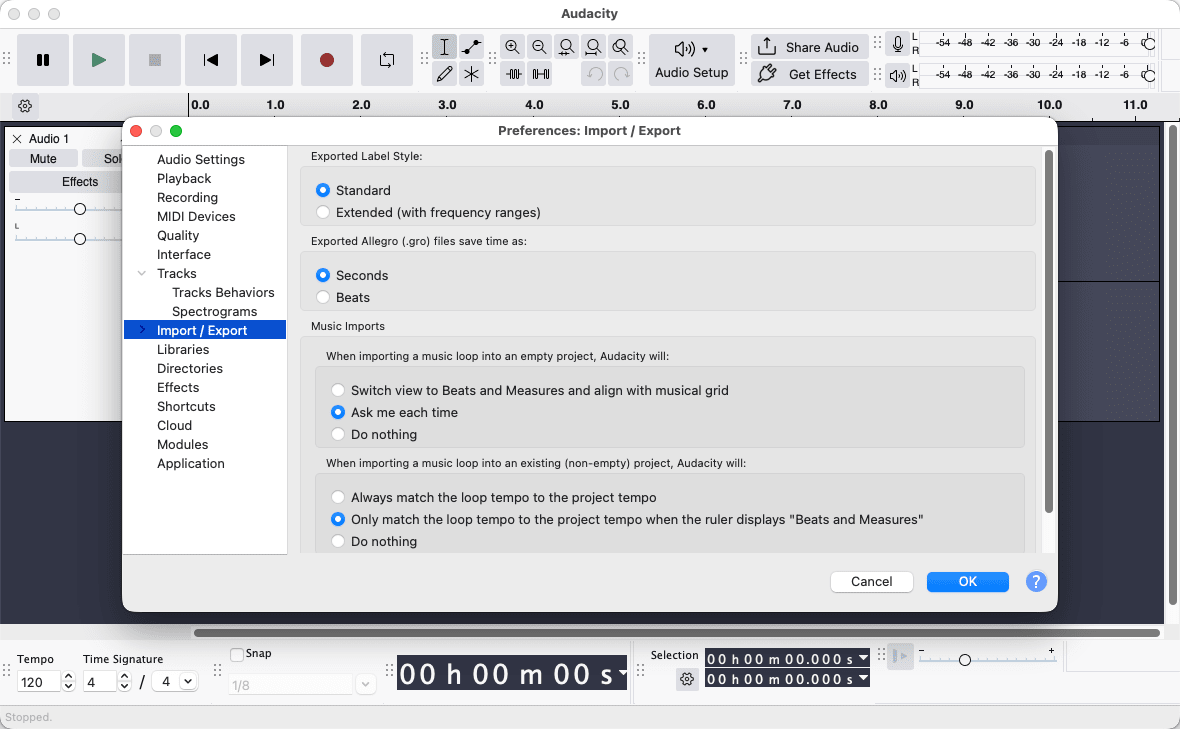
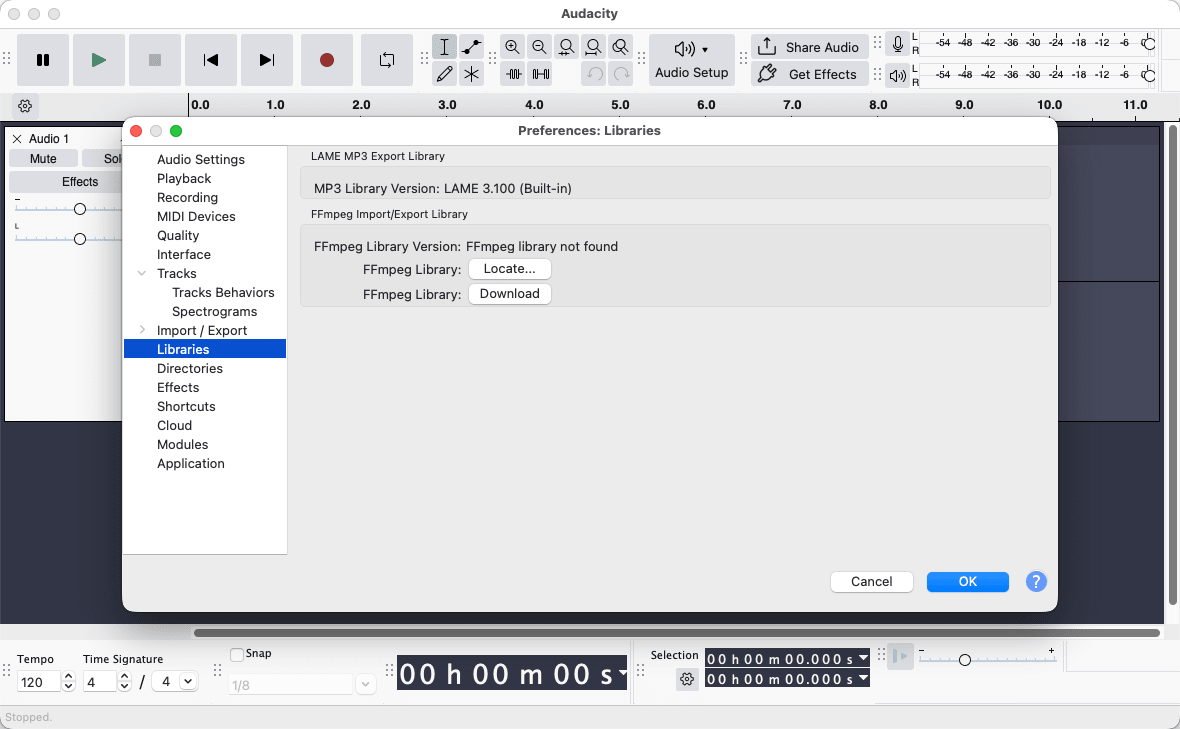
Audacity supports a wide range of import and export formats, including MP3, WAV, AIFF, FLAC, OGG, and more. This broad format support makes it compatible with virtually any downstream workflow, whether you are uploading a podcast, delivering audio files to a client, or archiving recordings in lossless formats.A dependable free audio editor that earns its reputation
Audacity is a massively popular, capable, and free audio editor for Mac. While its user interface won't be winning any design awards, and it isn't quite a full Digital Audio Workstation (DAW), it remains a fantastic tool for daily use. Whether you are recording, editing, cleaning up audio, or exporting in virtually any format, it delivers consistent and reliable results. For its price point, it is genuinely difficult to fault.